Multi-User Workout Tracker
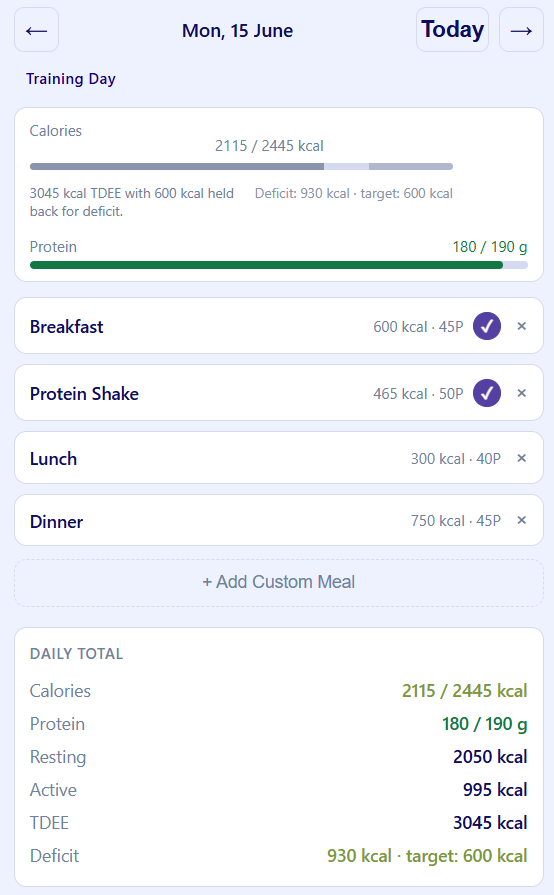
A self-hosted workout and nutrition tracker, built because nothing on the market matched the way I actually train - and taken from a LAN prototype to a public, multi-user production deployment at workout.robertmckinnon.au.
Problem
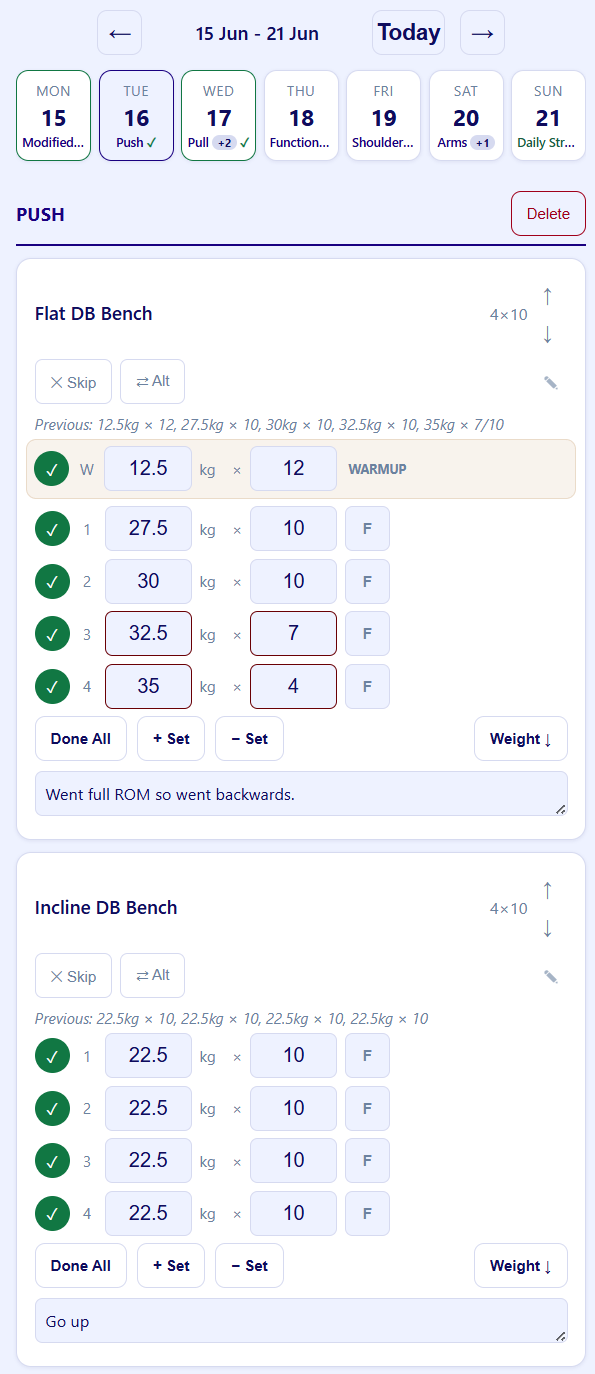
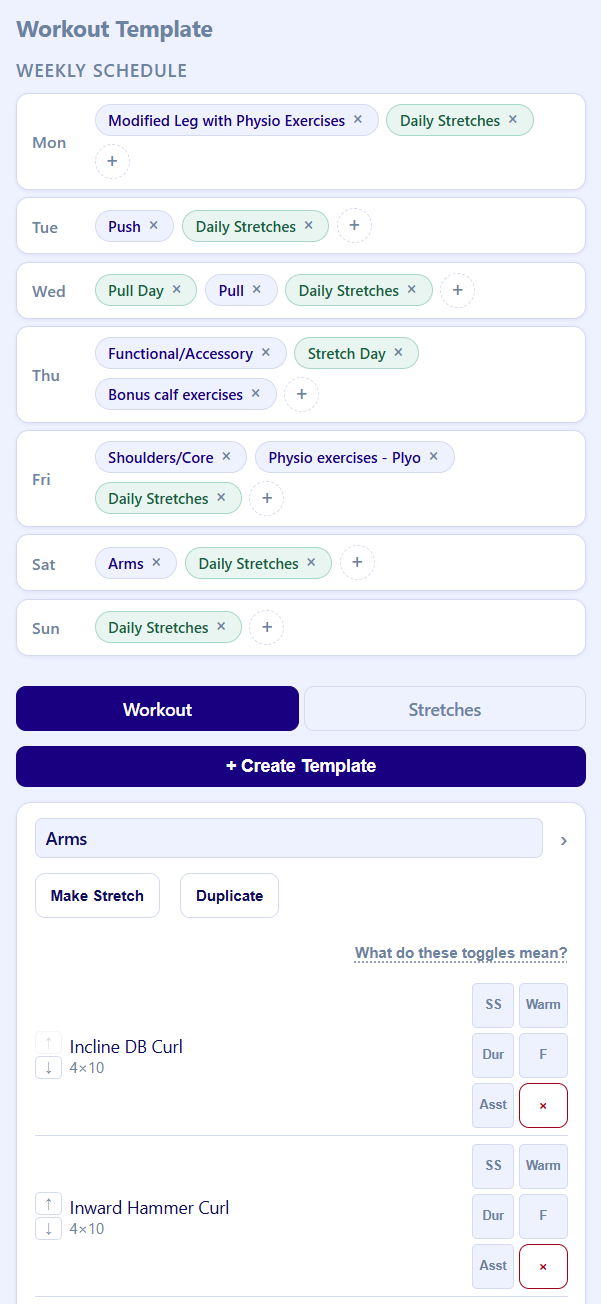
Existing workout apps didn't fit the training workflow I wanted: sessions driven by reusable templates, automatic progression from the last relevant session, supersets and giant sets, AMRAP sets, the ability to skip or add sets mid-workout, and warmup sets kept strictly separate from working sets so they never contaminate progression data. Each app handled some of these; none handled all of them without friction.
Design goals
Fast in-gym entry on a phone, template-driven sessions, progression tracking, flexibility mid-workout (skip, swap, add exercises on the fly), and a clear training history. Household-scale multi-user - a few trusted accounts with real data isolation, not a public SaaS. Small enough for one person to maintain: no build step, no framework lock-in, maintainability over cleverness.
System design
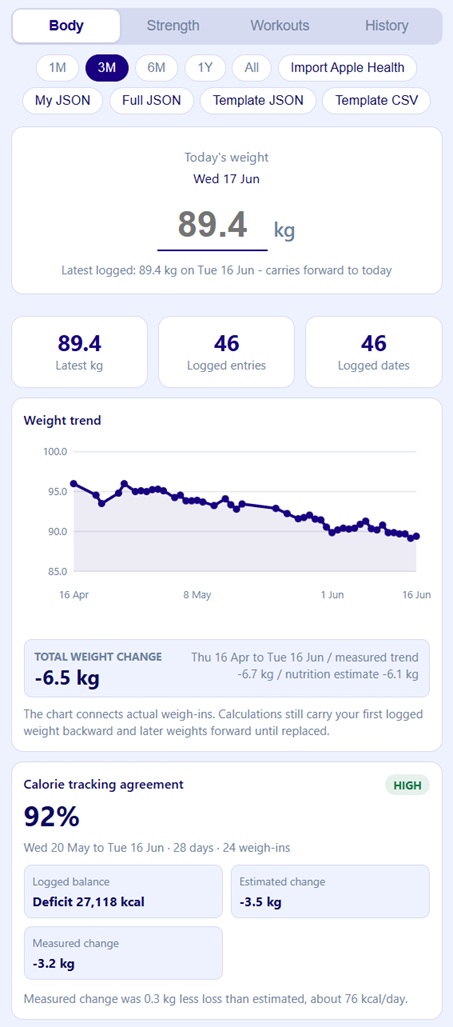
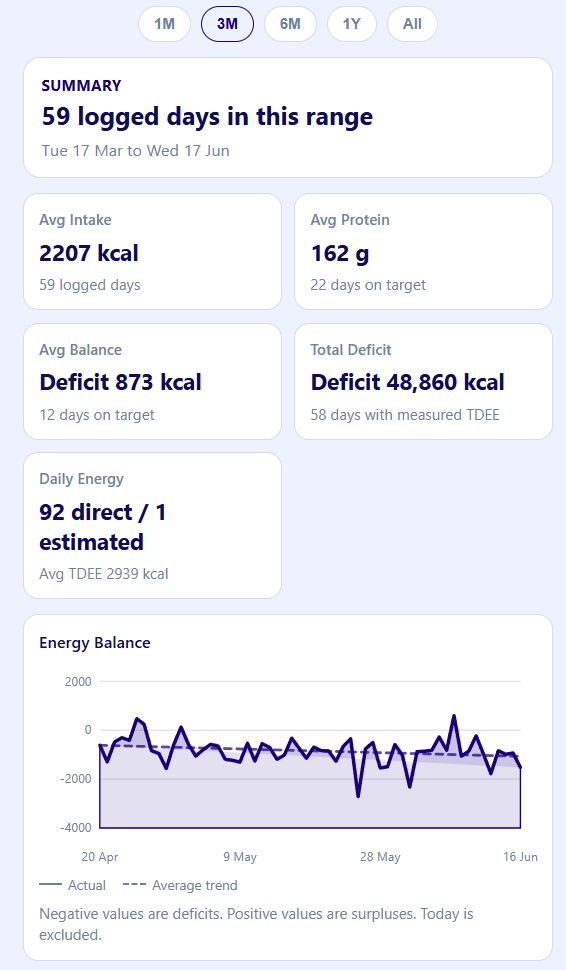
The frontend is vanilla JavaScript with native ES modules - no bundler, no build step. The backend is an Express API over SQLite (WAL mode), with schema migrations in code. Authentication is session-based with bcrypt hashing; per-user data isolation is enforced at the API layer and covered by route-level tests that assert cross-user reads and mutations are rejected. An admin role handles user creation, password resets, and data export. An Apple Health import pipeline ingests daily metrics and workouts, with dry-run diffing so re-imports only count genuine changes.
Current status
Live in production. The app runs as a Docker container behind Caddy
(automatic HTTPS) on a Sydney VPS, deploying from master via GitHub
Actions, with continuous offsite database replication and uptime
monitoring. Accounts are invite-only.
Next steps
Shaking the multi-user setup out with real accounts, building a proper onboarding flow and first-run tutorial, and continuing to add features incrementally as day-to-day use surfaces the need. On the operations side: invite-based account onboarding and password reset flows, audit logging and login lockout, and periodic restore drills against the offsite backups.
What it demonstrates
Workflow-first product thinking, data modelling, frontend and backend architecture, deployment and operations (TLS, CI/CD, backups, monitoring), and iterative development against real daily use, with AI-assisted tooling used pragmatically along the way.
Screenshots